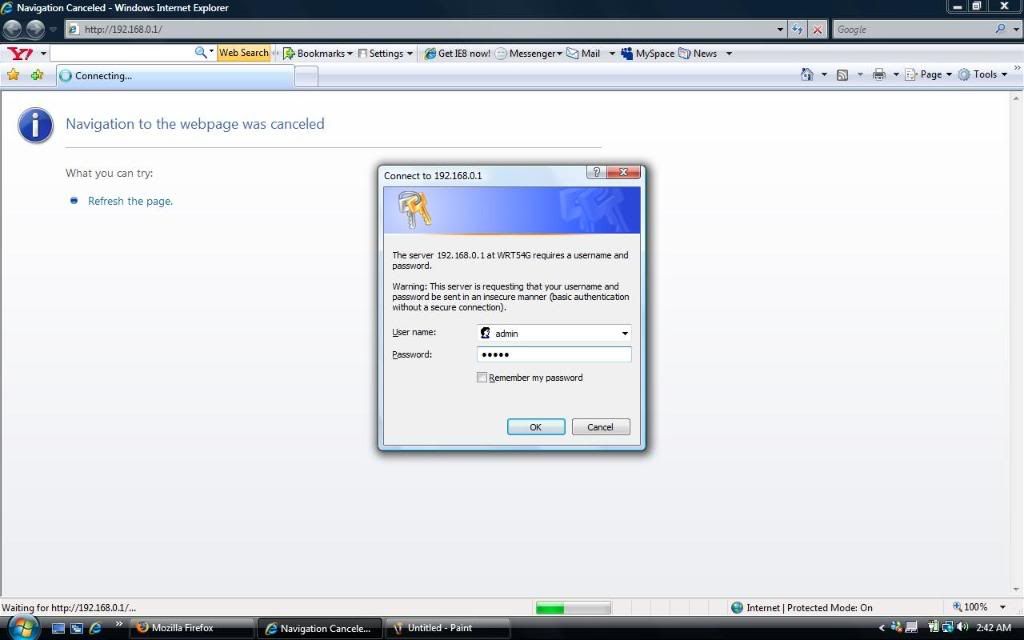
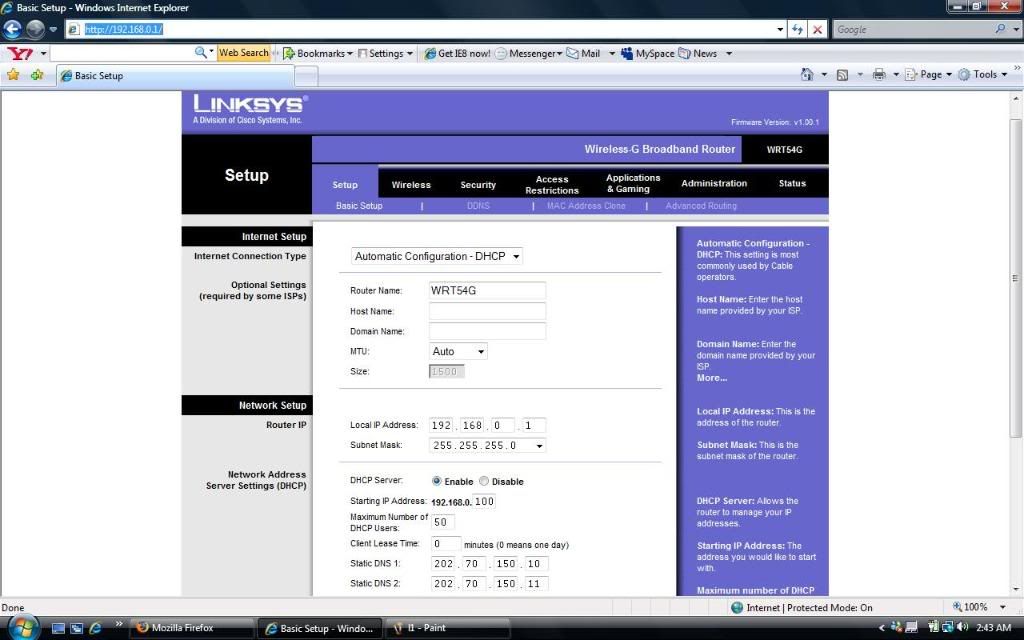
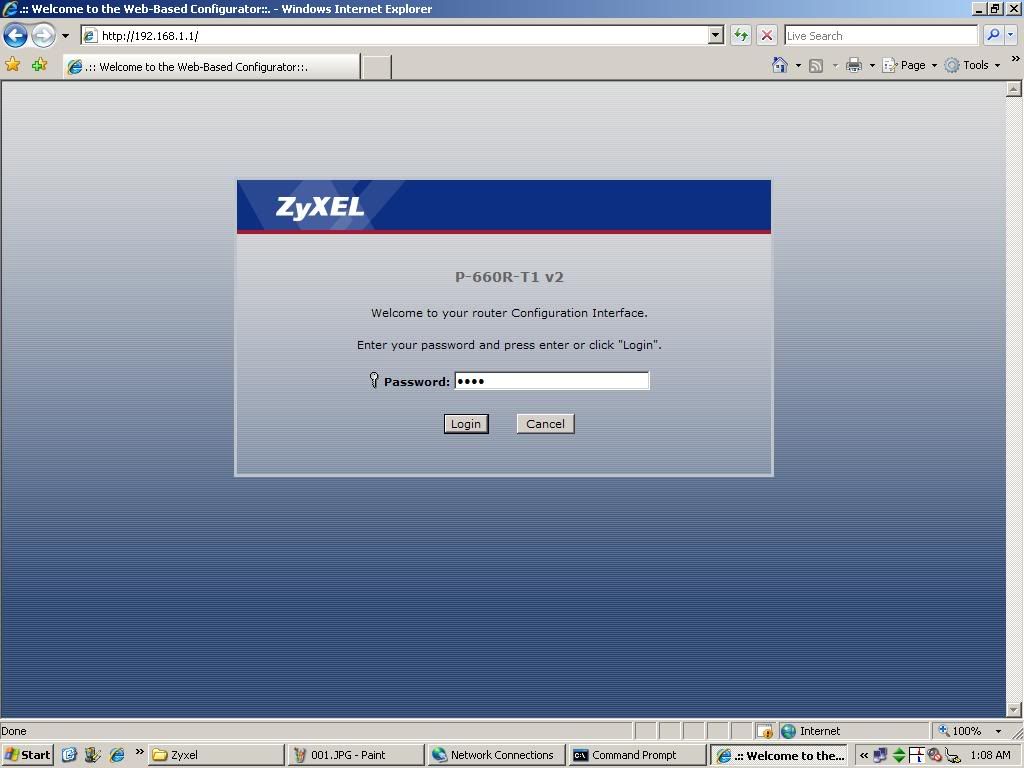
step2>select AUTO DHCP........then change value of local ip address 192.168.1.1 if your DSL modem etc provide you same ip address 192.168.1.1 then change local ip address into 192.168.0.1 after that you can access linksys router through 192.168.0.1..... then enter DNS values which ISP provide you........and save
Wireless Security:
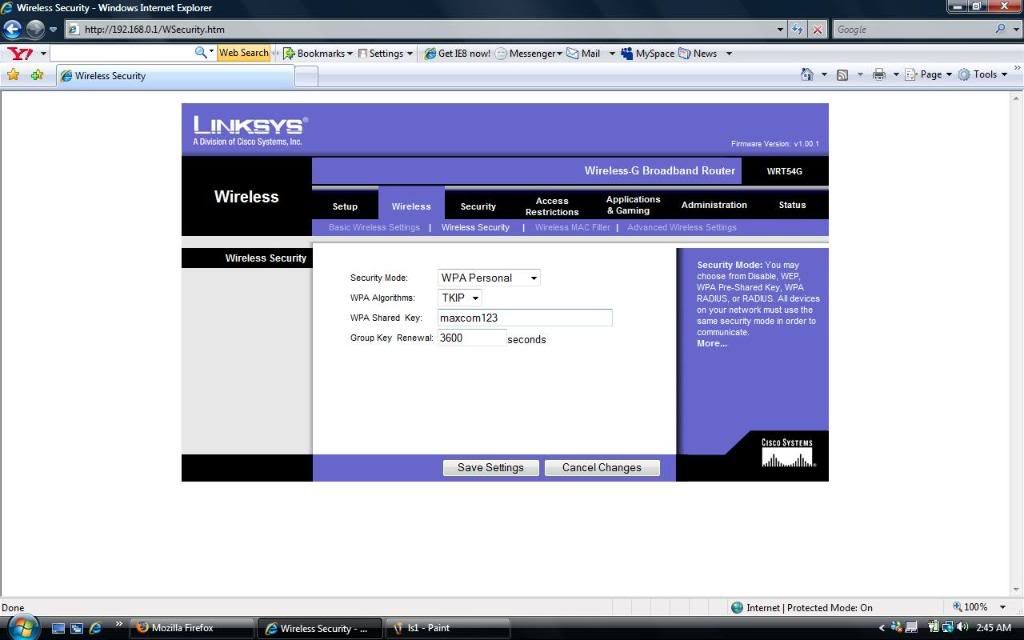
step3>select wireless> wireless security>enable security security
step4>select any encryption technique like WPA personal then enter Password on passphrase field then save setting.......restart your Linksys router and connect through wifi
(Note:you can click on steps links which is above to get the better view of pics)
If you have any query plz post your comments and you can email me:voas_a1@hotmail.com
or chat with me on your left chatroll box thank you